
How to invoice a Costco expense?
Step-by-step guide to invoice Costco expenses
We give you two options to invoice expenses at Costco: the first is through the Costco website (estimated time: 8 minutes), and the second through Zumma Financial (estimated time: 2 minutes):
Option 1: Costco invoicing portal
Step 1: Go to the Costco invoicing portal
Step 2: Enter your ticket, the total amount paid, and your RFC
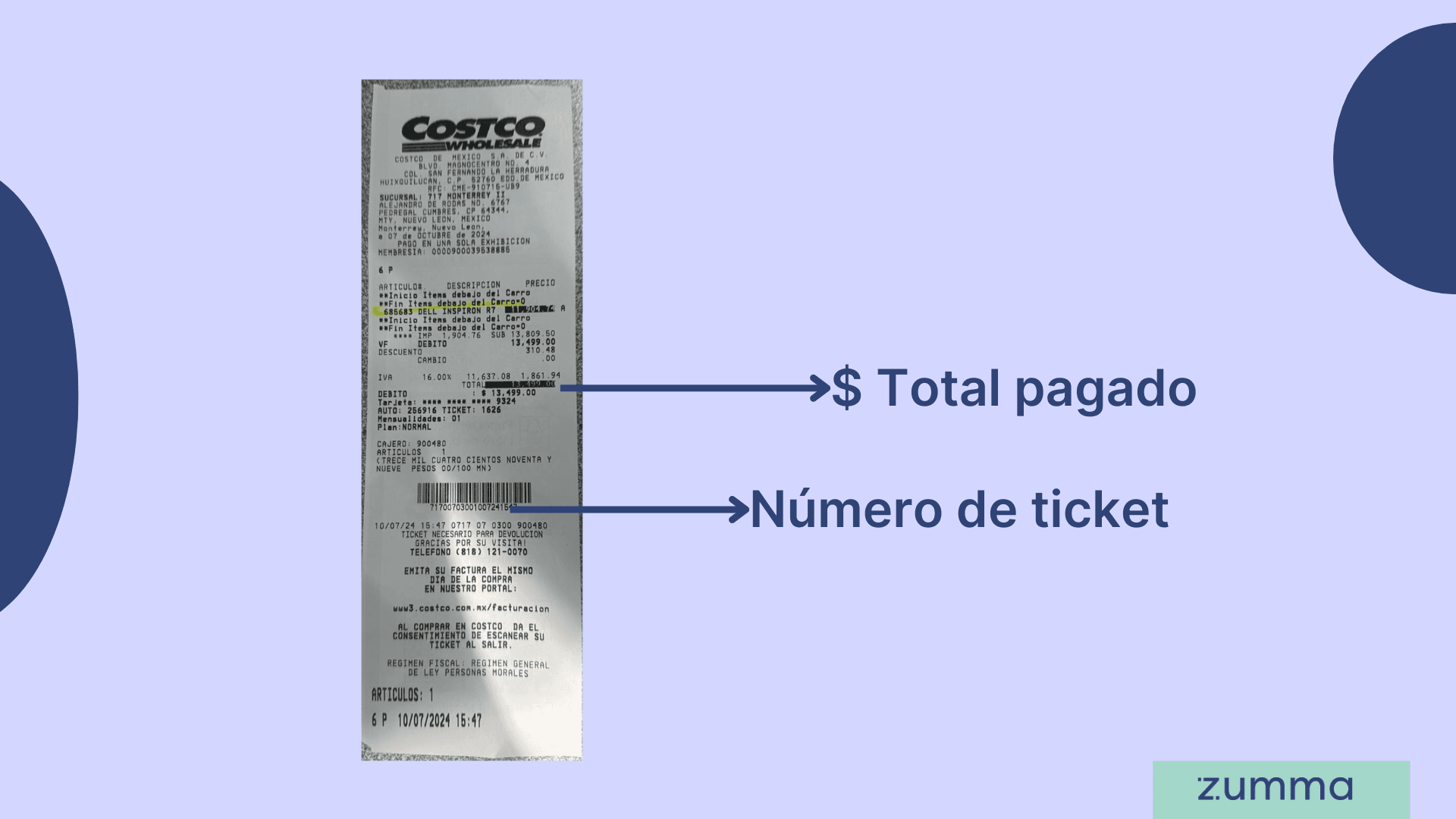
Step 3: If you already have an account, it will ask you to confirm your details and will send your invoice to your registered email. If you don't have an account yet, it will ask you to register your tax and contact information; once you do this, you'll be able to invoice your purchase and the invoice will be sent to your registered email.
And that's it! This is how you can get your invoice through the Costco invoicing portal
Option 2: Invoice through Zumma Financial
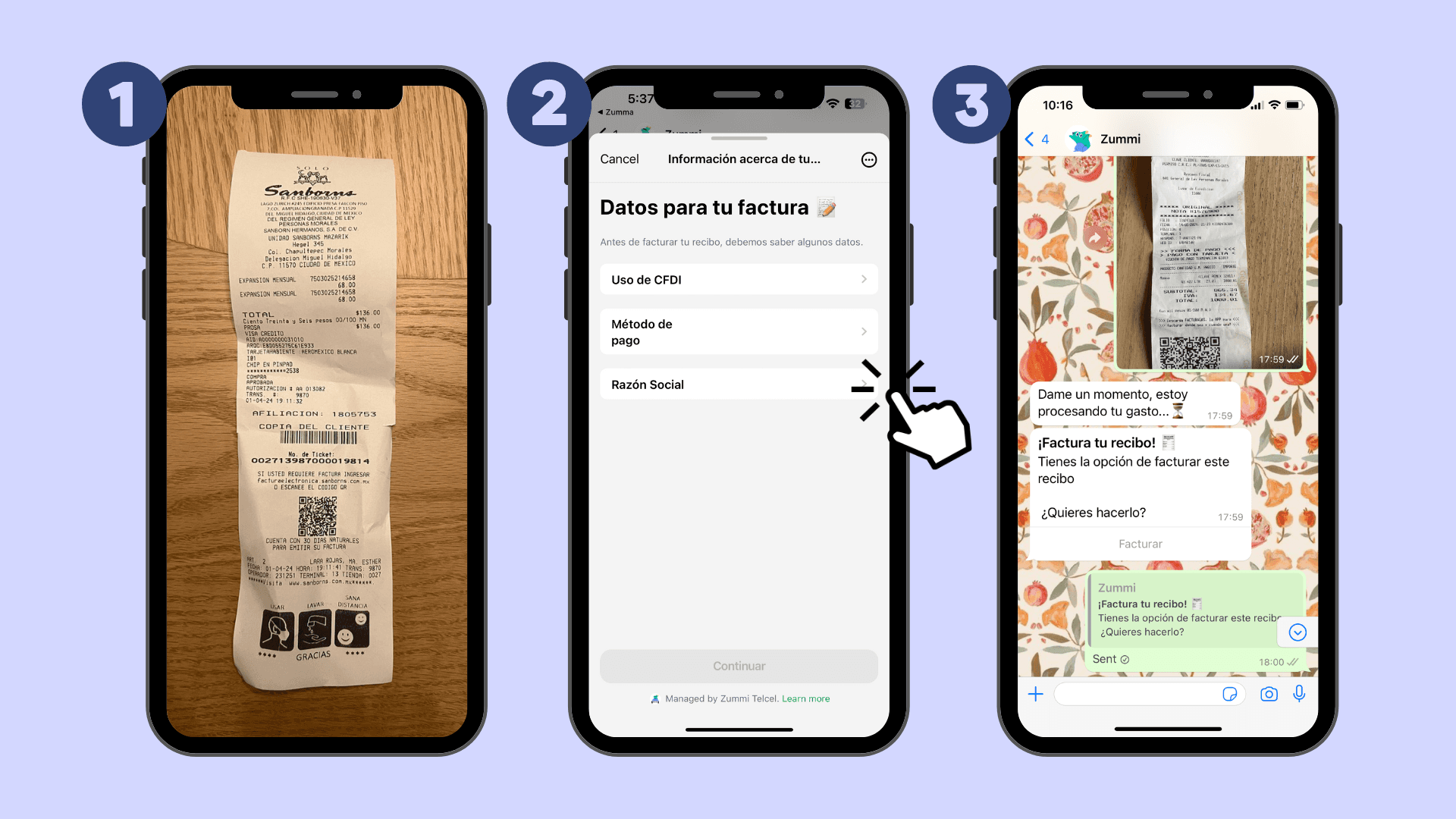
If you're already a Zumma customer and have already entered your tax information in your account profile, just follow these steps:
Step 1: Send a photo of your ticket via WhatsApp
Step 2: Choose the CFDI use and the payment method that should appear on your invoice
Step 3: Wait to receive your invoice via WhatsApp and email
If you're not yet a Zumma user and want to start automatically invoicing your expenses via WhatsApp, request a demo of our service here.
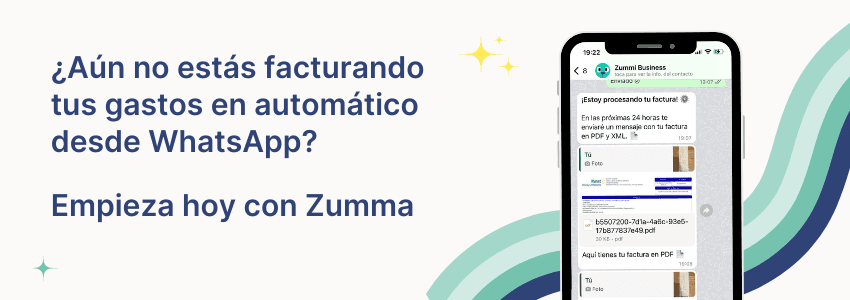
Start invoicing your expenses from WhatsApp
To invoice receipts from other stores, see the guide how to invoice receipts in Mexico: data, portals and deadlines.
More guides to invoice supermarkets and stores
Find more guides on invoicing company expenses in the Zumma blog.
ZUMMA FOR BUSINESS
Automate invoices on WhatsApp with Zumma.
Get your team's expense invoices from WhatsApp, without chasing receipts.
Start for free →